AI floor plan → 3D render
Turn your 2D floor plan into a 3D render.
Upload a 2D floor plan and get a furnished, photoreal 3D render in about a minute — prompts tuned by an architect to keep your walls, doors and rooms where they are.
Drop your floor plan here
or click to upload · JPG, PNG, WebP or PDF (page 1) · max 15 MB
3 free credits when you sign up — no card required. Each render gives you 2 variations.
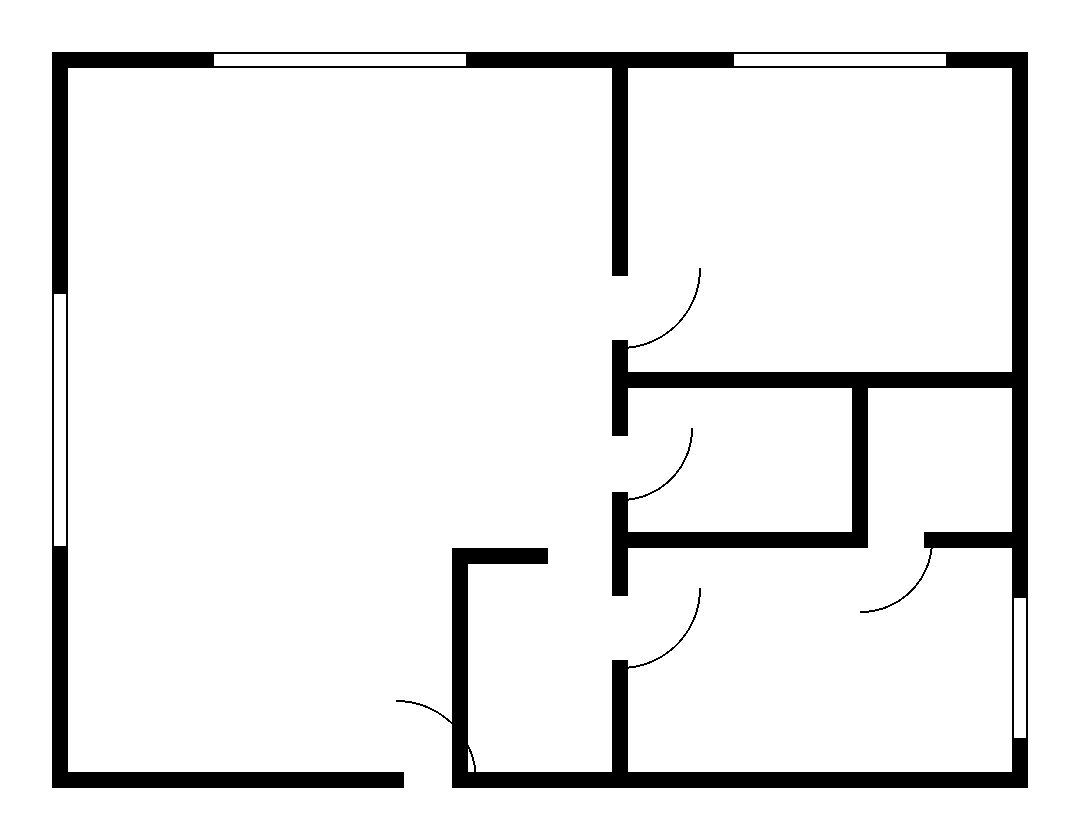
Drag the slider: plan in, 3D out
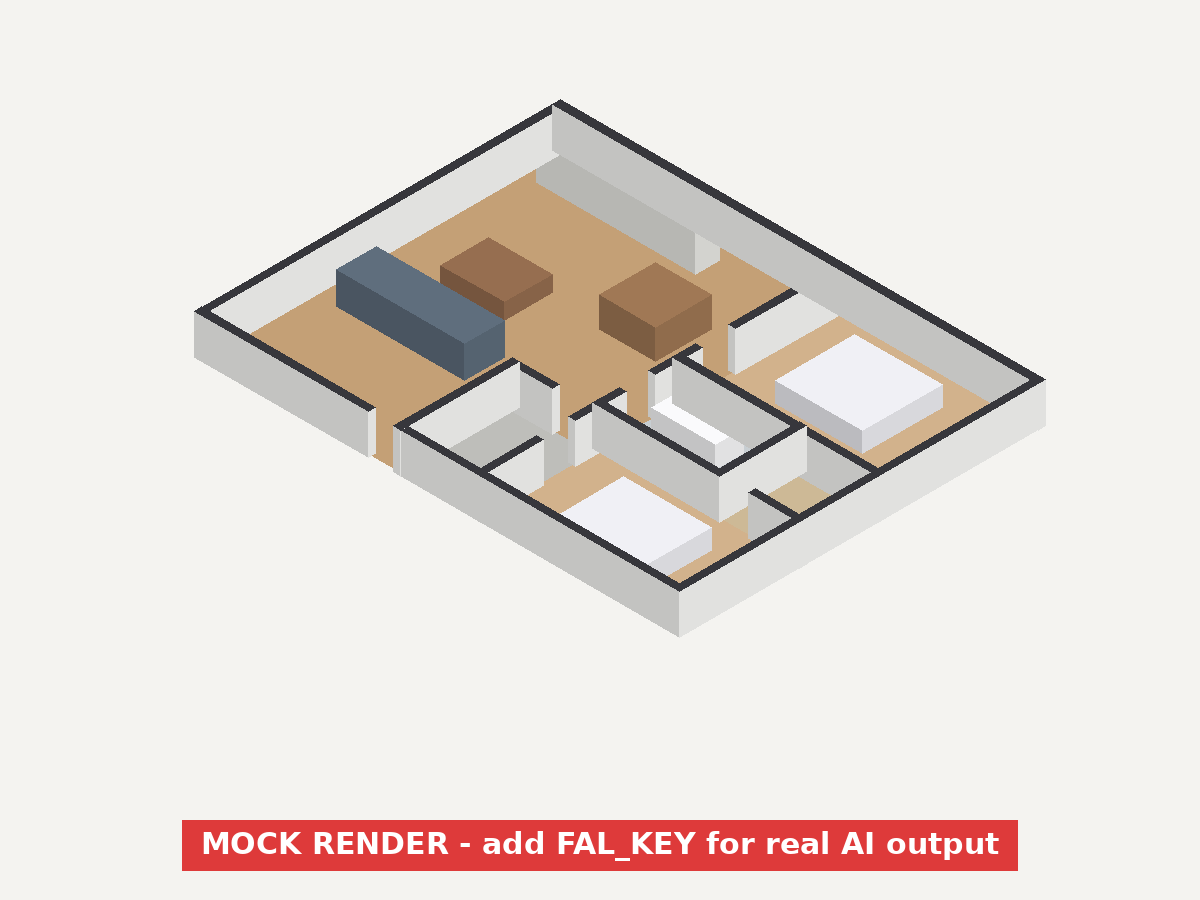
Every render comes with a before/after view so you can check walls, doors and rooms against your drawing before you publish.
TODO (placeholder): the image on the right is a programmatic placeholder, not an AI result. Replacepublic/samples/mock-render-1.png with a real render from your fal.ai account before launch.
How it works
- Step 1Upload
JPG, PNG, WebP or a PDF (we read page 1 in your browser). Phone photos of printed plans work too.
- Step 2Choose
Isometric 3D or top-down 3D, and a style: Modern, Scandinavian, Warm Neutral, or an empty white model.
- Step 3Download
Get 2 variations, compare them with the slider, and download. Paid plans get 2K and no watermark.
Built around the plan
Prompts written by a former architect: keep every wall, door and window where it is; don't invent or merge rooms.
No invented numbers
The model is told never to draw text, labels or dimensions — AI-made measurements on a listing image are a liability.
Fair credits
3 free credits, no card. Failed renders refund automatically. Pack credits never expire.
Made for
New to this? Read how to make a 3D floor plan — 4 methods compared.
Start free. Pro from $9.50/mo billed annually.
3 free credits on signup · credit packs that never expire · cancel anytime.
See pricingFAQ
What does Floorplan3D do?
It turns a 2D floor plan image (JPG, PNG, WebP or the first page of a PDF) into a furnished, photoreal 3D render in an isometric or top-down view, using an AI image model.
How accurate are the renders?
Our prompts instruct the model to keep every wall, door, window and room where the plan shows it and to never draw text or dimensions. AI can still make mistakes, so compare the render with your plan using the before/after slider before publishing. Failed renders are refunded automatically.
How do credits work?
A standard render costs 1 credit and an HD (2K) render costs 3 credits; each render returns 2 variations. New accounts get 3 free credits. Credit-pack credits never expire; Pro credits (50/month) reset monthly.
Is there a daily limit?
Yes, to prevent abuse: 3 renders per day on the free plan and 30 per day once you've purchased anything. Limits reset at 00:00 UTC.
Can I use renders commercially?
Renders made on a paid plan can be used commercially (listings, ads, client presentations). Free renders are watermarked. Please label renders as illustrative where your MLS or platform requires it.